



Product highlights
- Compact Semi-Automatic Workflow
- Digital LED Display and Touchpad
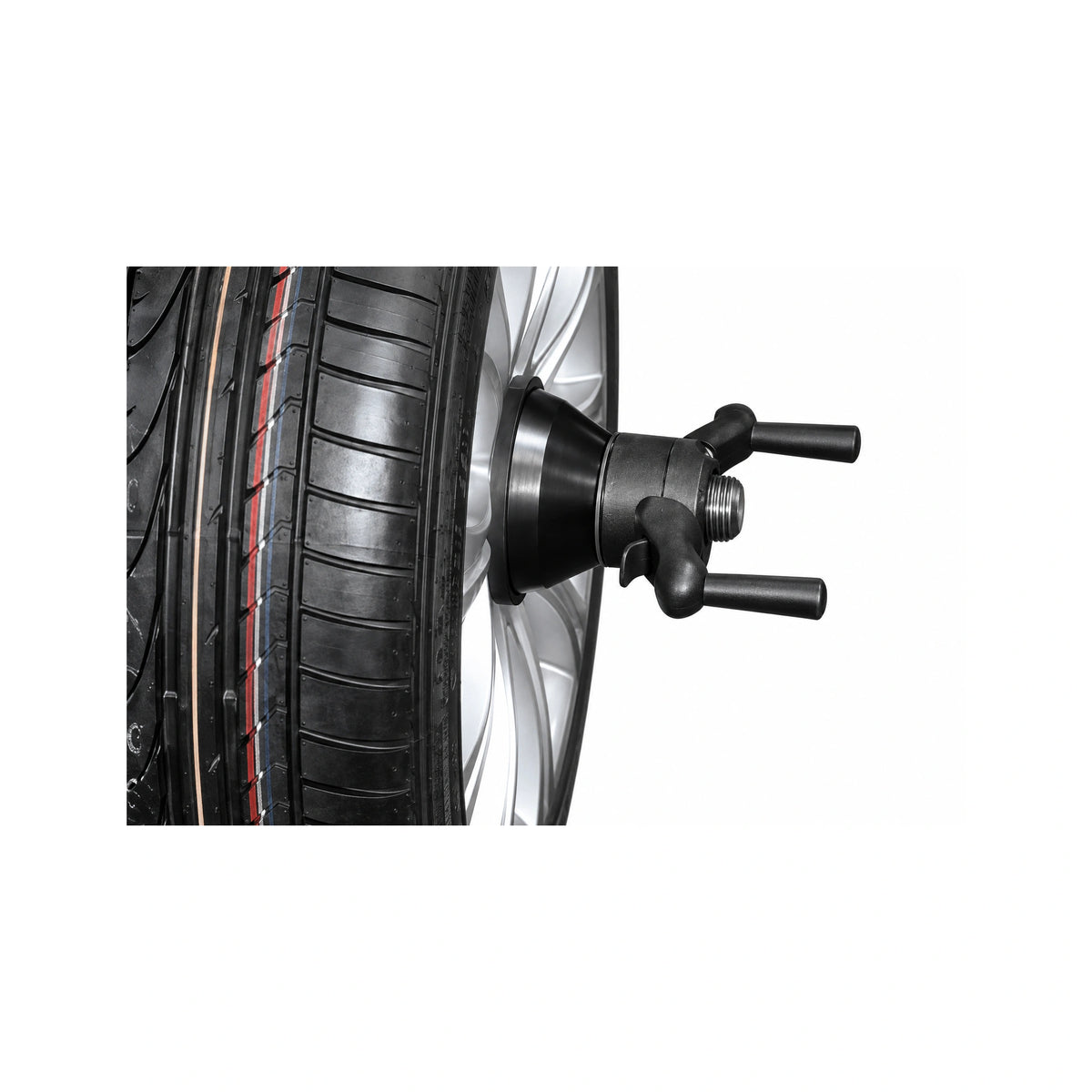
- QuickNut Manual Clamping
Hofmann Geodyna 7100 Wheel Balancer - Semi-Automatic LED Display
SKU: EEWB761A
Financing options available
Financing estimates are based on the product price; selected add-ons and delivery services are excluded.
- Authorized Hofmann Dealer
- Manufacturer Warrantyincluded with purchase
- Price Match Guaranteefind it lower and we will beat it
- No Sales Tax Collected Outside PAPA orders include sales tax
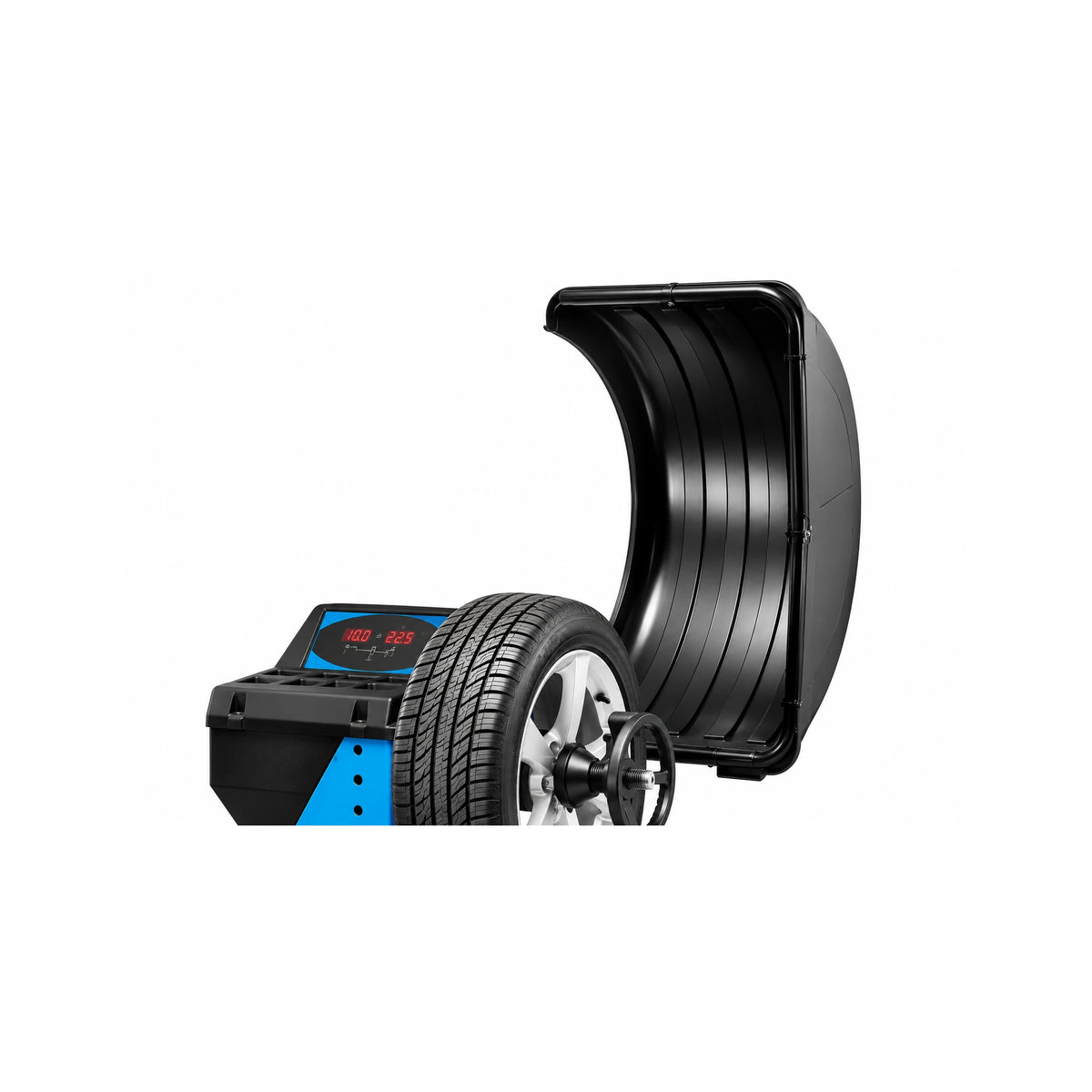
The Hofmann Geodyna 7100 Wheel Balancer gives automotive service bays a compact, semi-automatic workflow without the footprint or interface of a raised-screen machine. Its digital LED display and touchpad are integrated into the weight tray, keeping measurements and controls close to the technician's working position.
For data entry, the easyALU gauge arm records rim dimensions when it touches the rim and selects the appropriate balancing mode. The current manufacturer page also identifies the system as 2D SAPE data entry. QuickNut keeps wheel clamping manual, while QuickBAL adjusts the number of measuring revolutions for the wheel being serviced. Split Weight Mode supports concealed correction-weight placement behind spokes.
The EEWB761A configuration accepts wheel assemblies up to 154 lb and 38 in in overall diameter. Semi-automatic rim-diameter entry covers 8-25 in, while manual rim-diameter entry extends to 8-32 in. Both published rim-width entry ranges are 1-20 in, and the current manufacturer page separately lists a 20 in maximum physical rim width. Those entry ranges describe measurement input, not a larger physical wheel capacity.
This model is a practical fit for shops that value guided measurement, straightforward LED controls, and manual wheel clamping. It requires 115V single-phase, 60 Hz power and occupies 59 x 51.5 x 52 in H x W x L. Confirm the intended bay has suitable power, working clearance, and receiving access before ordering.
Features
Digital LED Display with Integrated Touchpad
The digital LED display and touchpad are integrated into the weight tray. This compact control layout keeps readings and operating keys at the technician's working position.
Semi-Automatic easyALU Data Entry
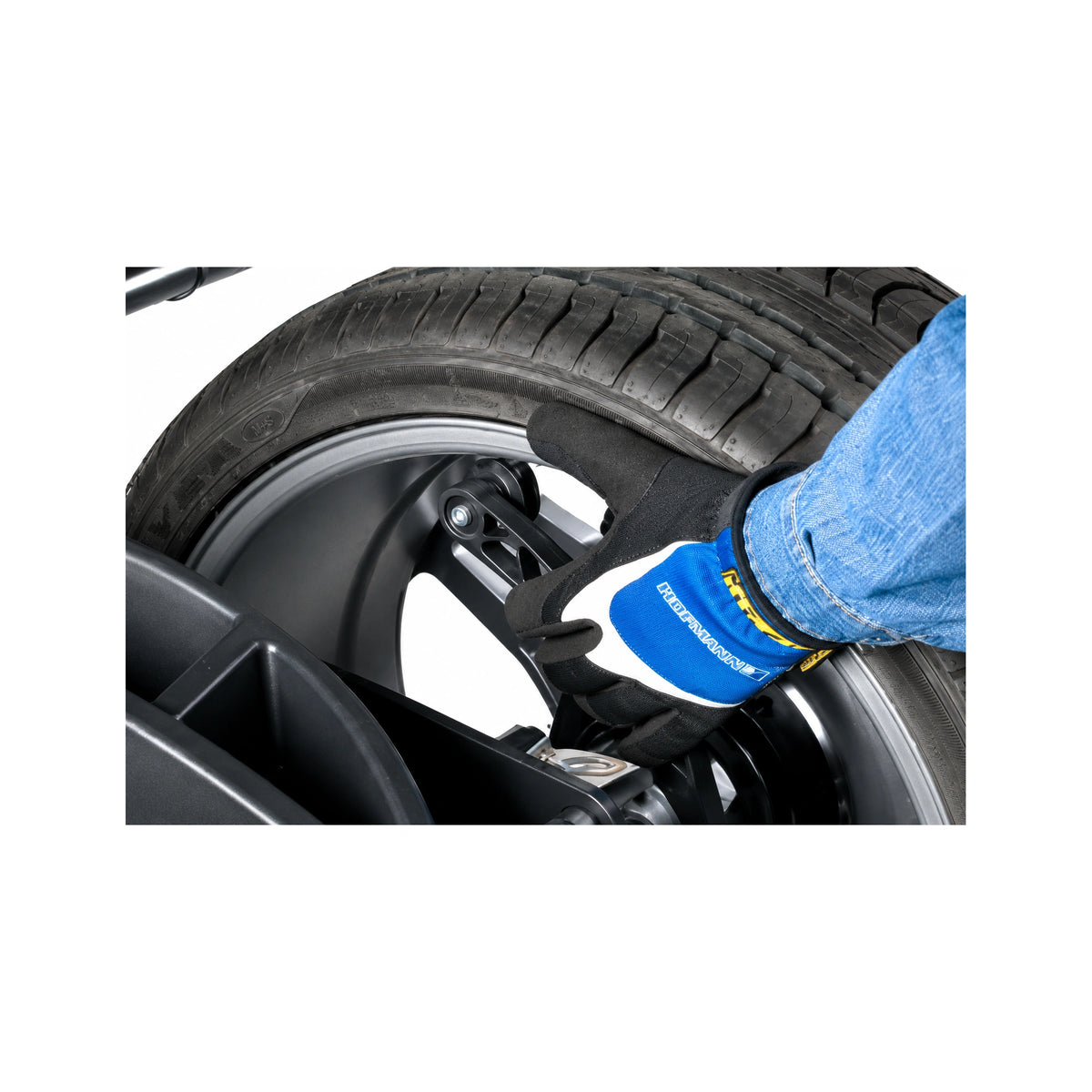
Touch the easyALU gauge arm to the rim and the machine enters rim dimensions and selects the applicable balancing mode. The published semi-automatic rim-diameter entry range is 8-25 in.
Manual QuickNut Wheel Clamping
QuickNut is a user-operated manual clamping device that secures the wheel to the balancer shaft. It gives shops guided measurement and balancing features while keeping the wheel-mounting step hands-on.
QuickBAL Cycle Control
QuickBAL adjusts the number of measuring revolutions according to the wheel being serviced. Hofmann describes the belt-driven system as a one-spin balance designed to reduce cycle time.
Split Weight Mode
Split Weight Mode divides correction weight placement so weights can be concealed behind spokes, helping preserve the appearance of the wheel.
EZ-Collets Tool Selection
The EZ-Collets mobile app helps technicians identify a suitable collet, flange plate, or speed plate by vehicle and compare available mounting-tool options.
Protective Wheel Cover
The wheel cover helps protect the technician from objects that could be thrown during a measuring run.
Best For
The Geodyna 7100 is intended for automotive wheel-balancing work with assemblies up to 154 lb and 38 in in overall diameter. Verify wheel and rim dimensions against both the physical limits and the applicable entry range before service.
The weight-tray LED display and touchpad support a compact equipment layout. The published overall dimensions are 59 x 51.5 x 52 in H x W x L, so buyers should also plan working room around the machine and wheel cover.
This configuration suits buyers who want semi-automatic gauge-arm entry, straightforward LED controls, and QuickBAL cycle control while accepting manual QuickNut clamping as part of the workflow.
Specifications
| Maximum Wheel Weight | 154 lb / 70 kg |
|---|---|
| Maximum Wheel Diameter | 38 in / 96.5 cm |
| Maximum Physical Rim Width | 20 in / 51 cm |
| Semi-Automatic Rim Diameter Entry Range | 8-25 in / 20-63.5 cm |
| Semi-Automatic Rim Width Entry Range | 1-20 in / 2.54-50.8 cm |
| Manual Rim Diameter Entry Range | 8-32 in / 20-81.2 cm |
| Manual Rim Width Entry Range | 1-20 in / 2.54-50.8 cm |
| Machine Weight (Manual Reference) | 154 lb / 70 kg |
|---|---|
| Shipping Weight (Manual Reference) | 198.5 lb / 90 kg |
| Shipping Dimensions H x D x W (Manual Reference) | 46.4 x 37 x 29.9 in / 1180 x 940 x 760 mm |
| Receiving Method | Pallet delivery; use a pallet truck to move to the working area |
| Power Supply | 115V, 1 phase, 60 Hz |
|---|---|
| Current Draw | 1.1 A |
| Motor Rating | 0.12 kW |
| Mains Fuses | (2x) IEC 127 T 6.3 A |
| Overall Dimensions H x W x L | 59 x 51.5 x 52 in / 150 x 131 x 132 cm |
| Wheel Clamping | QuickNut manual clamp |
| Display and Controls | Digital LED display with weight-tray integrated touchpad |
What's Included
- Four-cone set x1
- Weight pliers x1
- Rim width caliper x1
- Weight remover tool x1
Optional Accessories
- Basic Light Truck Cone Kit8100068
- Nine Collet SetEAK0375G07A
- Speed Plate KitEAK0390G24A
- Storage StandEAK0309J67A
Installation Requirements
Provide the Published Electrical Supply
The EEWB761A configuration requires 115V single-phase, 60 Hz power. The manual's matching 115V electrical block lists 1.1 A power consumption, a 0.12 kW motor rating, and two IEC 127 T 6.3 A mains fuses. Provide an approved wall outlet, keep the power cable off the floor unless protected by an approved cover, and confirm the intended location meets applicable electrical requirements before delivery.
Plan the Floor and Working Area
The machine measures 59 x 51.5 x 52 in H x W x L. The floor should be horizontal within 1 degree, even within 2 mm, able to support the balancer, and isolated from transmitted vibration. Position the balancer directly on the floor without spacers. When these conditions are satisfied, the manual states that floor fastening is not required. Allow additional room for wheel loading, wheel-cover travel, gauge-arm use, technician access, and service access.
Plan Pallet Receiving and Final Placement
The operation manual lists a 198.5 lb shipping weight and 46.4 x 37 x 29.9 in shipping dimensions and states that the balancer is supplied on a pallet. Use a pallet truck to bring it to the working area. Confirm current shipment details, doorways, freight access, and the path to the final bay before delivery; do not lift or move the balancer by the main shaft or measuring unit.
Confirm Utility Requirements Before Delivery
The base configuration uses a manual QuickNut clamp, and the official installation guidance identifies floor and electrical requirements without listing a pneumatic connection. Confirm final utility requirements before delivery.
Shipping & Delivery
Warranty
Documents
Questions About This Product?
Our team can help with installation planning, freight coordination, and configuration.
Call (855) 498-2147Frequently Asked Questions
What display and controls does the Geodyna 7100 use?
Is QuickNut a powered wheel clamp?
Why are entry ranges and physical capacities listed separately?
What electrical service does this configuration require?
Does the base machine require compressed air?
What is included with the Geodyna 7100?
What warranty applies to the Geodyna 7100?
Have a question we didn't cover? Call (855) 498-2147 and our team will help.
Also known as: Geodyna 7100, EEWB761A
About the Brand
Hofmann